Platform: WindowsProducts: MSP360 Backup
Article ID: s0183Last Modified: 07-Oct-2026
Step 3. Backup Destinations (for Hybrid Backup)
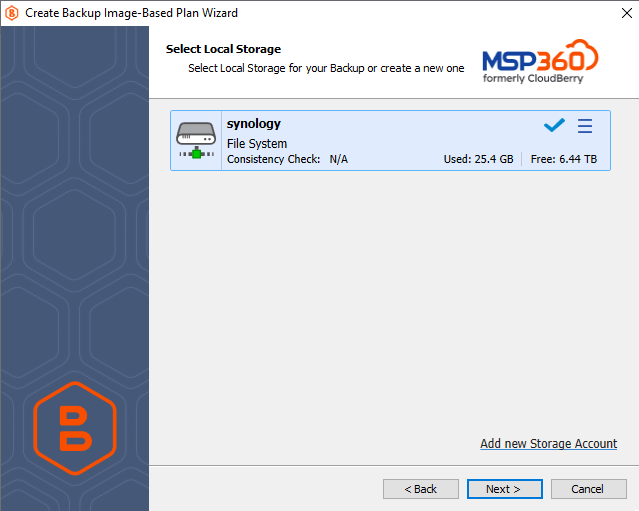
- Once this step opens, select local storage that will be used to save your backup before backing it up to the cloud. Click Next.
If you do not have a local storage account, click Add new Storage Account to create it.
- Select a cloud storage for the backup plan.

If you do not have a cloud storage account, click Add new Storage Account to create it.
Note that you cannot use Amazon Glacier as a destination for image-based backups. Use another destination storage or configure an S3-to-Glacier lifecycle policy for automatic transfer of your backup to Glacier.