Platform: WindowsProducts: Connect
Article ID: s0806Last Modified: 09-Oct-2026
Proxy Settings
To configure proxy usage settings, click the Proxy Settings link.
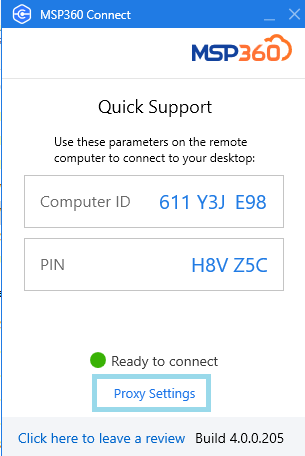
By default, the Do not use proxy option is set. If you select the Manual proxy configuration option, specify the proxy server address and port number. For example, if the proxy server's address is http://proxy.example.microsoft.com (https is not currently supported) and the port number is 80, the setting in the Proxy Host box should appear like this: proxy.example.microsoft.com
If necessary, select Basic Authentication and provide credentials for the connection.